Step 1: Get your menu ready in one place. Make sure the dish names, prices and categories are correct and up to date.
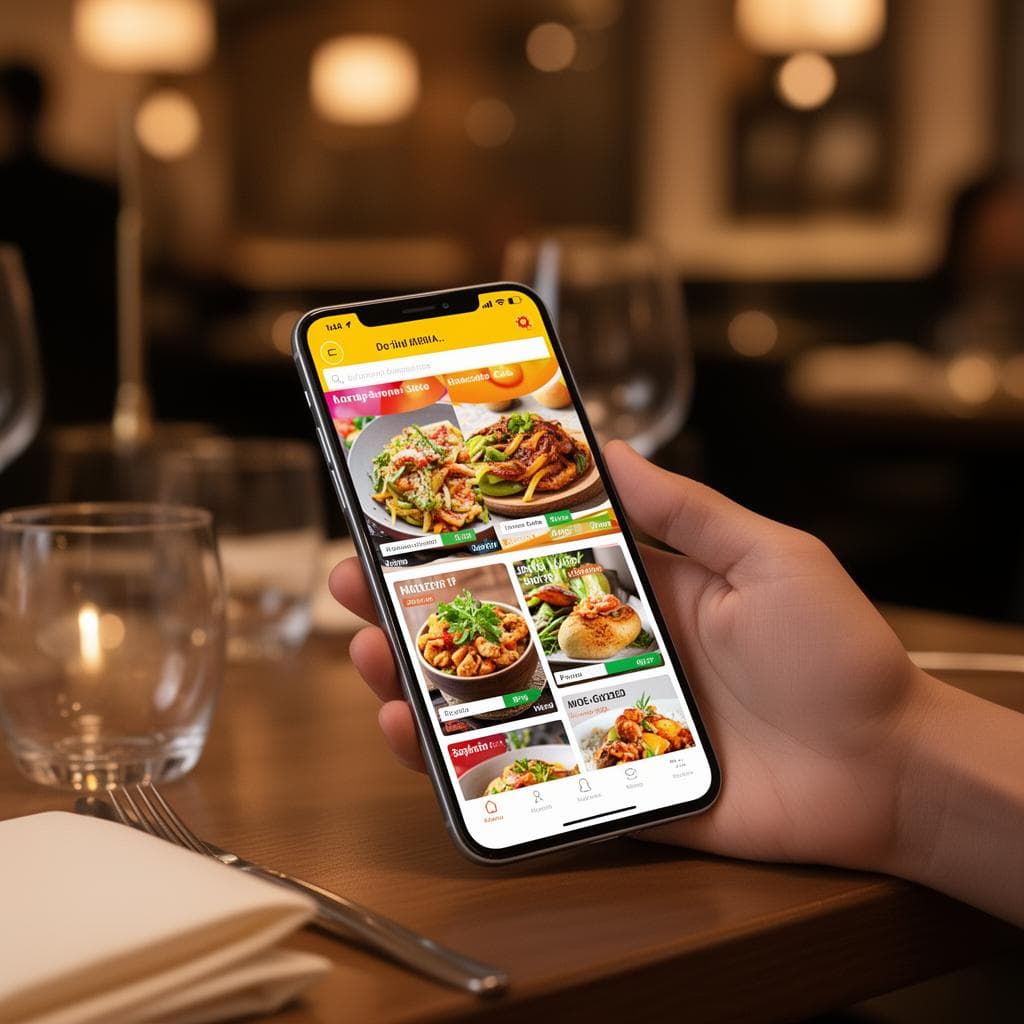
Step 2: Turn it into a digital menu. This is a web page that opens on any phone. Dishora does this from a photo or PDF of your paper menu, so you do not start from zero.
Step 3: Add your look. A logo, your brand colours and good dish photos make the menu feel like your restaurant.
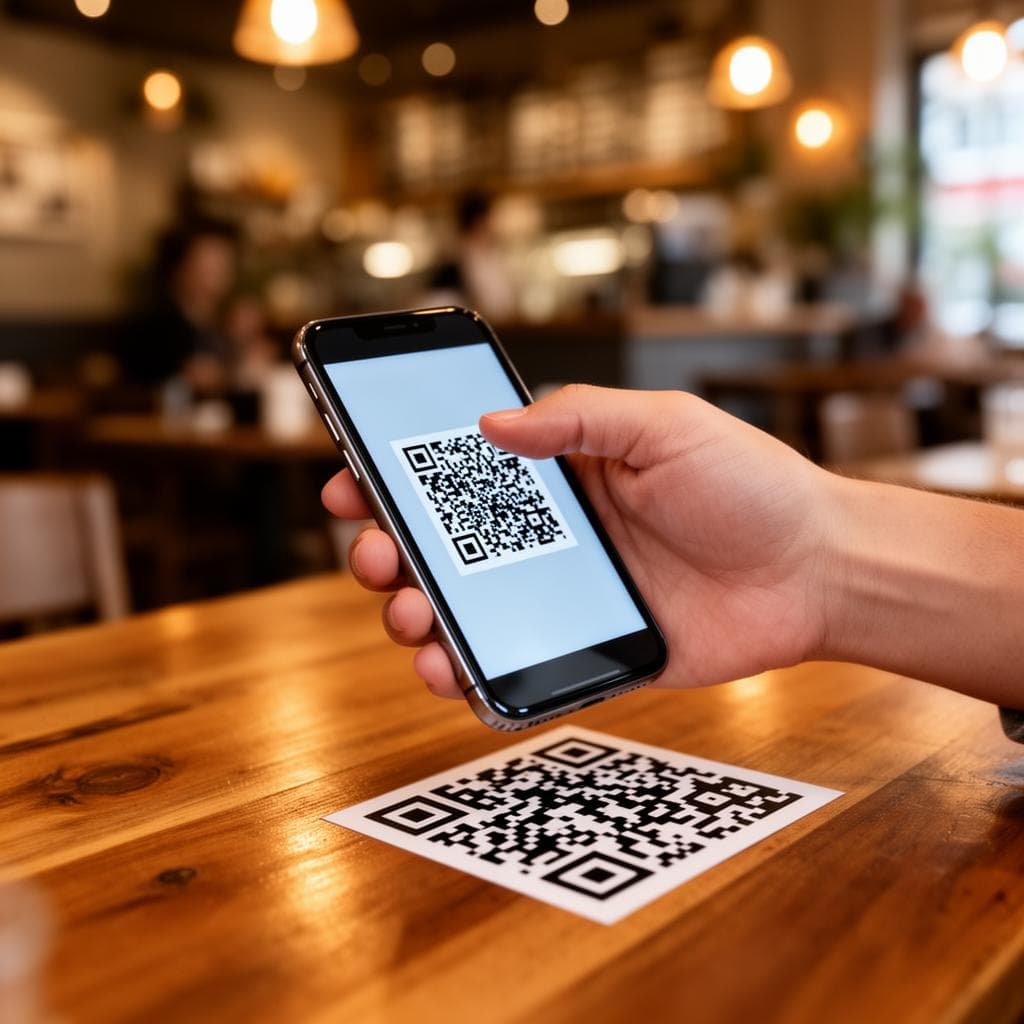
Step 4: Make the QR code. The code points to your menu link. Keep the code dark on a light background, and print it at least 4 cm wide. You can try our free QR code maker.
Step 5: Place it where guests will see it, such as table stickers, the counter, the bill folder and your door. Test it with a few different phones.
Step 6: Keep it fresh. When a price or a dish changes, edit the digital menu. The same QR code keeps working, so you never have to reprint it.